
One shortcut, everywhere
⌥⇧X starts and stops recording in any app. The text lands in your clipboard, ⌘V and done.
Werkstatt · macOS
Friday lives in your menu bar. Press the shortcut, talk, press it again, and the text is in your clipboard, cleaned up on request. Built for Swiss Standard German, works in other languages too. I dictate with it all day, mostly instructions for Claude Code in the terminal.
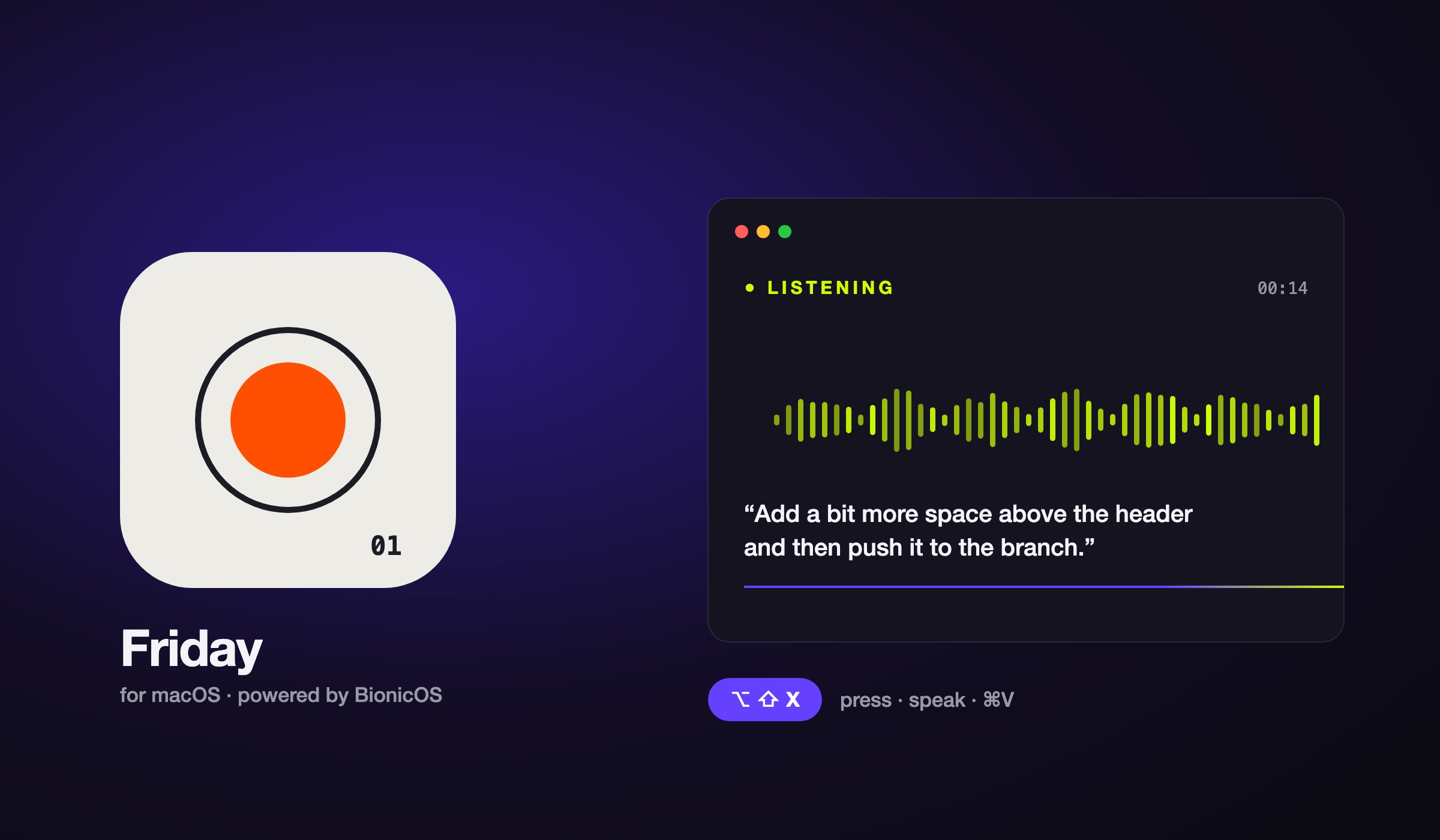
⌥⇧X starts and stops recording in any app. The text lands in your clipboard, ⌘V and done.
No Eszett, Swiss spelling, understands dialect. Can even write Swiss German on request. Other languages work too.
Spelling, grammar, clarity or professional, with one click or automatically after every dictation.
Friday uploads in chunks. Half an hour in one go is no problem.
Your recent dictations and recordings stay on your Mac in case something goes wrong. Can be turned off.
Optional mode: speak in one language, Friday writes in another.
In use
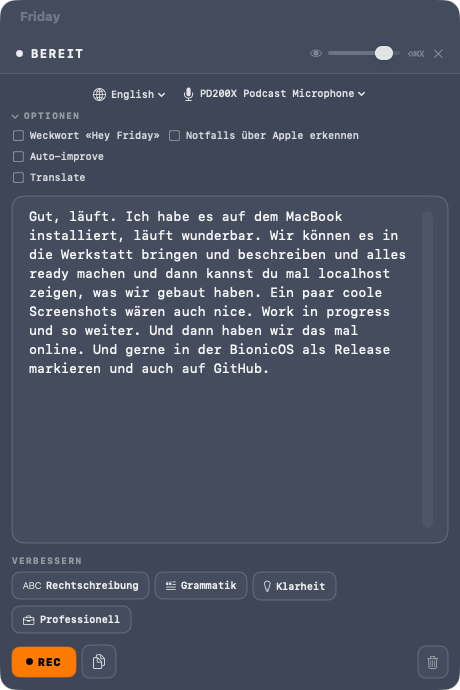
A real screenshot. The text in the window is one of the instructions this page was built from, spoken in German and sent as is. At the top the options (language, microphone, wake word, auto-improve, translate), at the bottom the four improvements and the record button.
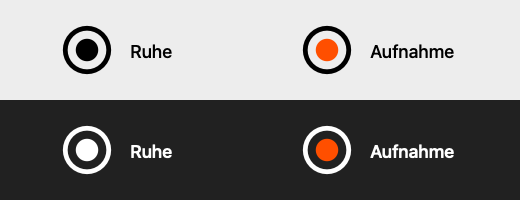
The Friday orb sits in your menu bar. When Friday is listening, the dot turns orange.
Work in Progress
Guide
Download the ZIP, double-click it in Downloads, then drag Friday to Applications and launch it from there. The app is notarised by Apple, so there is no warning. Friday has no Dock icon; it shows up at the top right of the menu bar.
Create a key at platform.openai.com/api-keys (it starts with sk-) and add some credit. Open the settings from Friday's menu bar icon and paste the key under “OpenAI Configuration”. Friday checks it right away.
On your first dictation macOS asks for microphone access: allow it. Allow notifications too, so Friday can tell you when the text is ready. Missed it? System Settings → Privacy & Security → Microphone.
Press ⌥ ⇧ X and speak. Press ⌥ ⇧ X again: Friday transcribes and puts the text in your clipboard. Paste it with ⌘ V wherever you are writing. You can change the shortcut in the settings.
Cost: Friday itself is free. Transcription runs on your OpenAI key with gpt-4o-mini-transcribe, roughly 0.3 cents per minute, so a quarter of an hour of dictation costs a few cents. Text improvement with gpt-4o-mini barely registers. Only the live translation mode costs more, and you switch it on deliberately.
Data: The recording goes straight from your Mac to OpenAI, not through our servers. The key stays in this Mac's settings. No tracking, no account. The history is optional and stays local in ~/Library/Application Support/HeyFriday.
macOS 26 Tahoe, Mac with Apple silicon. An OpenAI account with an API key and some credit.
New versions appear here. To update, quit Friday, download the new version and replace it in Applications. To remove it, drag Friday from Applications to the Bin.
A Werkstatt project, free and without warranty. Friday is part of the BionicOS family and also exists for Windows, iPhone and Android; those will follow here later. Questions and wishes: Contact.
Version 1.0 · 17 November 2026 · Developer ID: HMZ craftsmanship GmbH, notarised by Apple